BORNFRAME™
BORNFRAME™
Worldwide Shipping
30 Days Guarantee & Return
24/7 Customer Service
Couldn't load pickup availability
or

BORNFRAME™

First Tooth Box
BORNFRAME™
Specifications
Specifications
Resolution: 480 x 854 Pixels
Display Size: 5 Inches
Aspect Ratio: 16:10 / 10:16
Storage: 1 GB Internal Memory
Connectivity: USB
Control: Remote Control & Buttons
Power Source: Corded Electric
Dimensions: 6.34" x 4.25" (L x W)
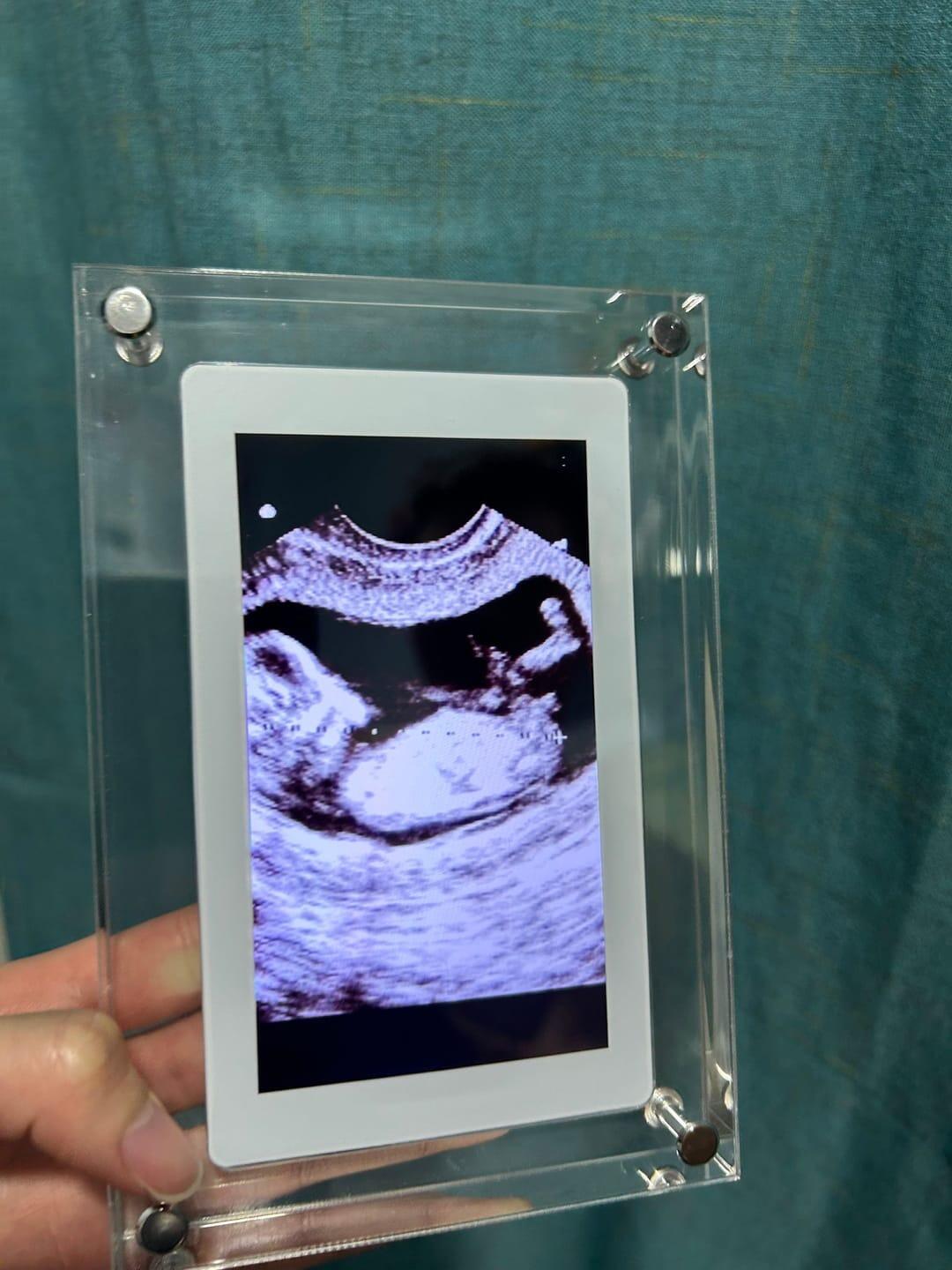
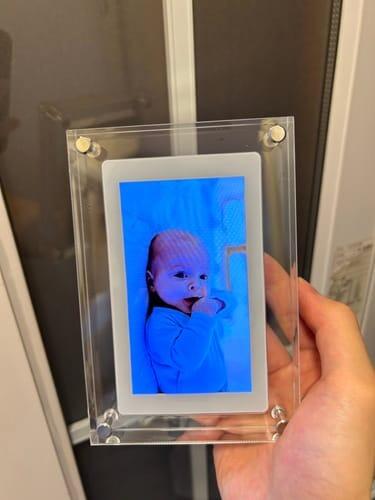
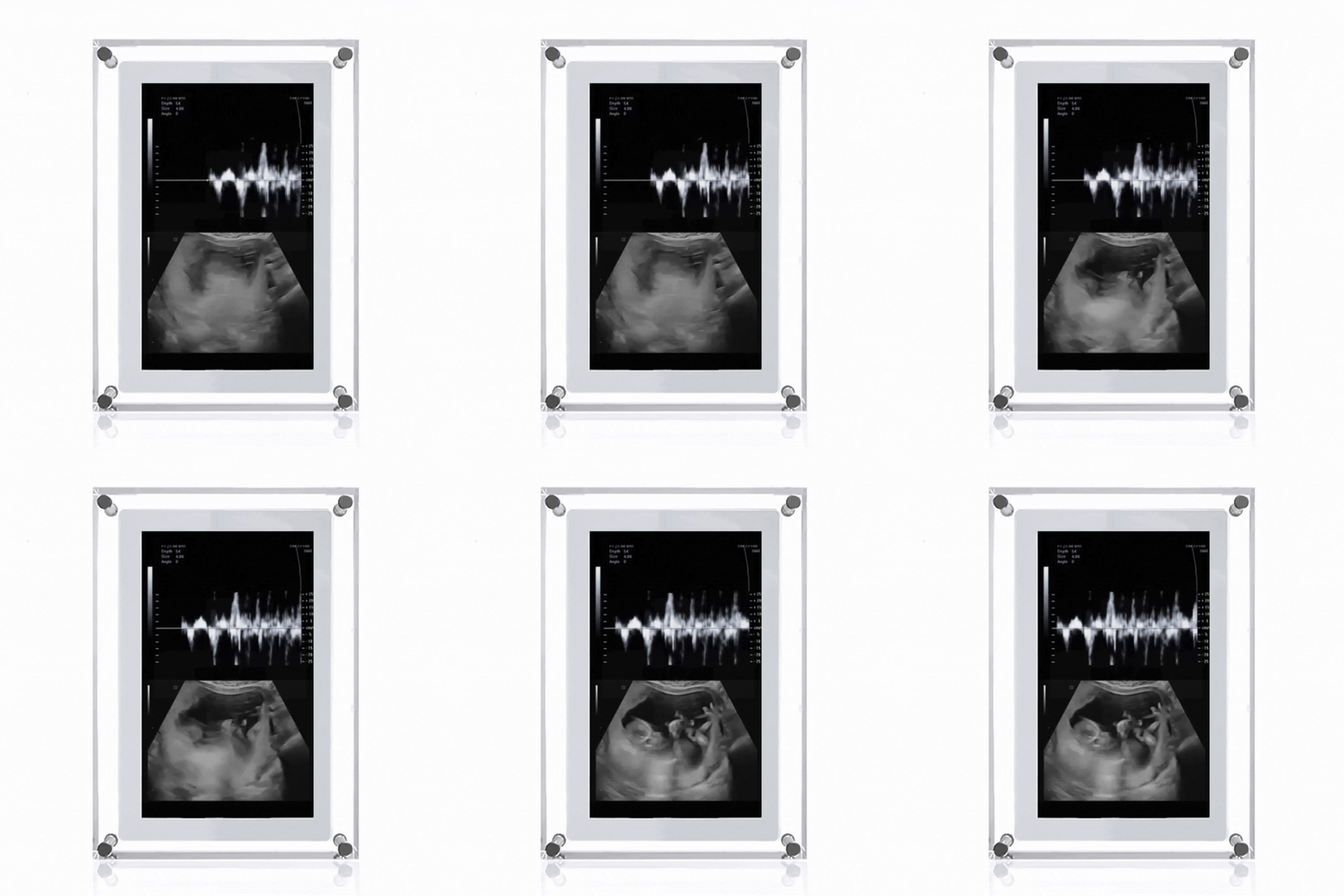
REVISIT YOUR MEMORIES
Showcase your favorite moments and enjoy them every day.

THE PERFECT GIFT
This is the perfect way to show love and appreciation for a spouse, family, or friends.

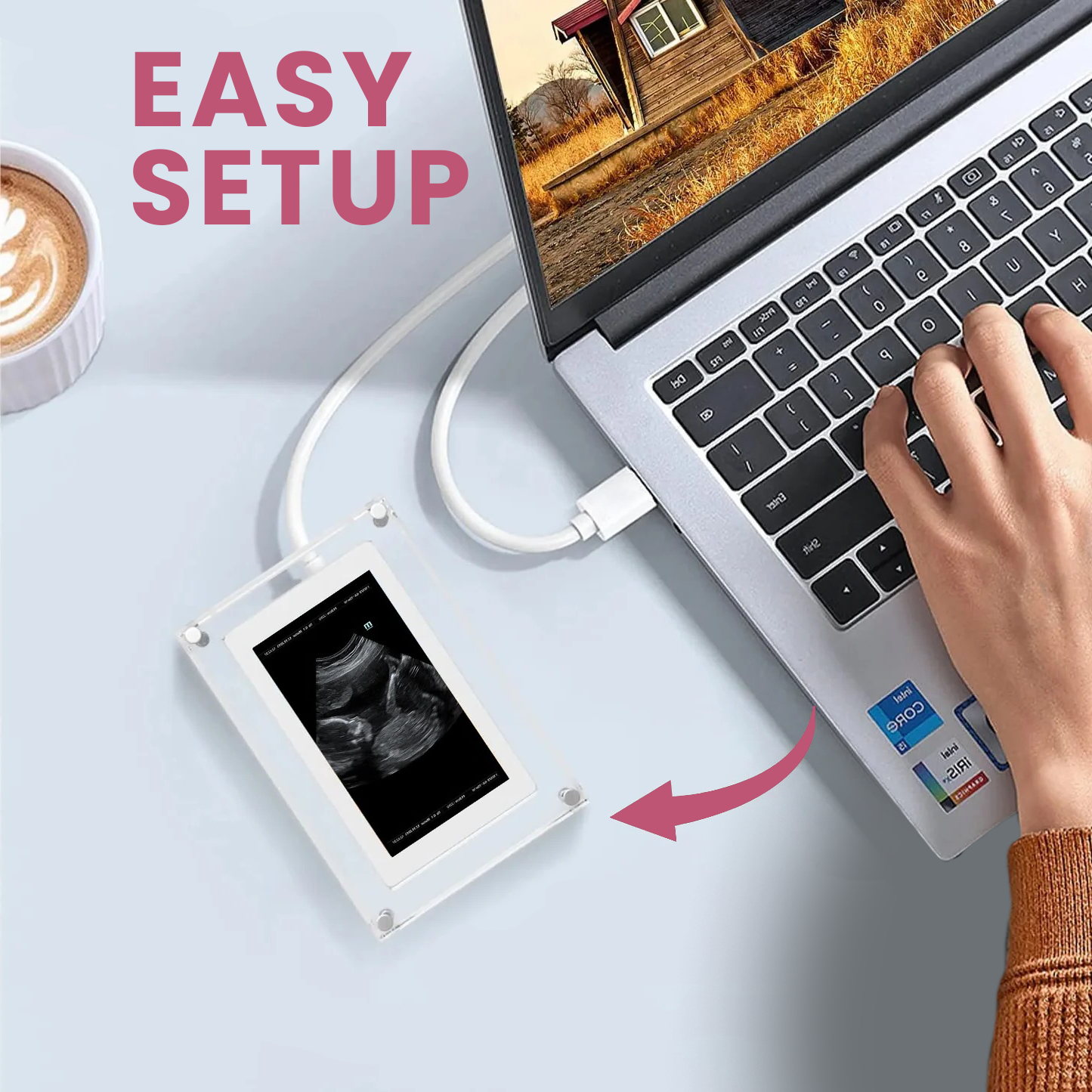
VERY SIMPLE SETUP
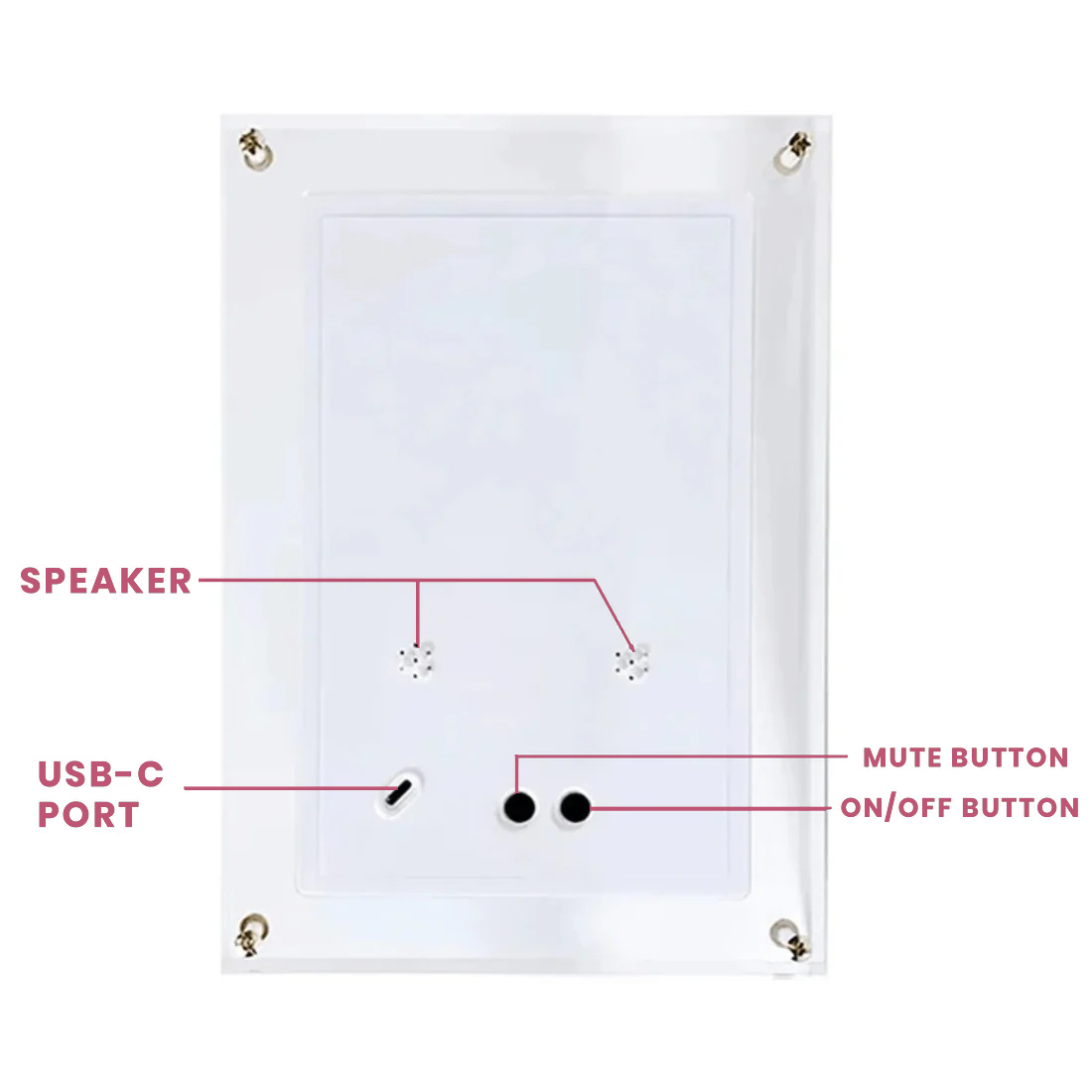
Just connect the USB-C cable to your computer, then drag and drop your photos and videos. To swap content, just delete the old and add the new.

-

Rechargeable
-

Easy Upload
-

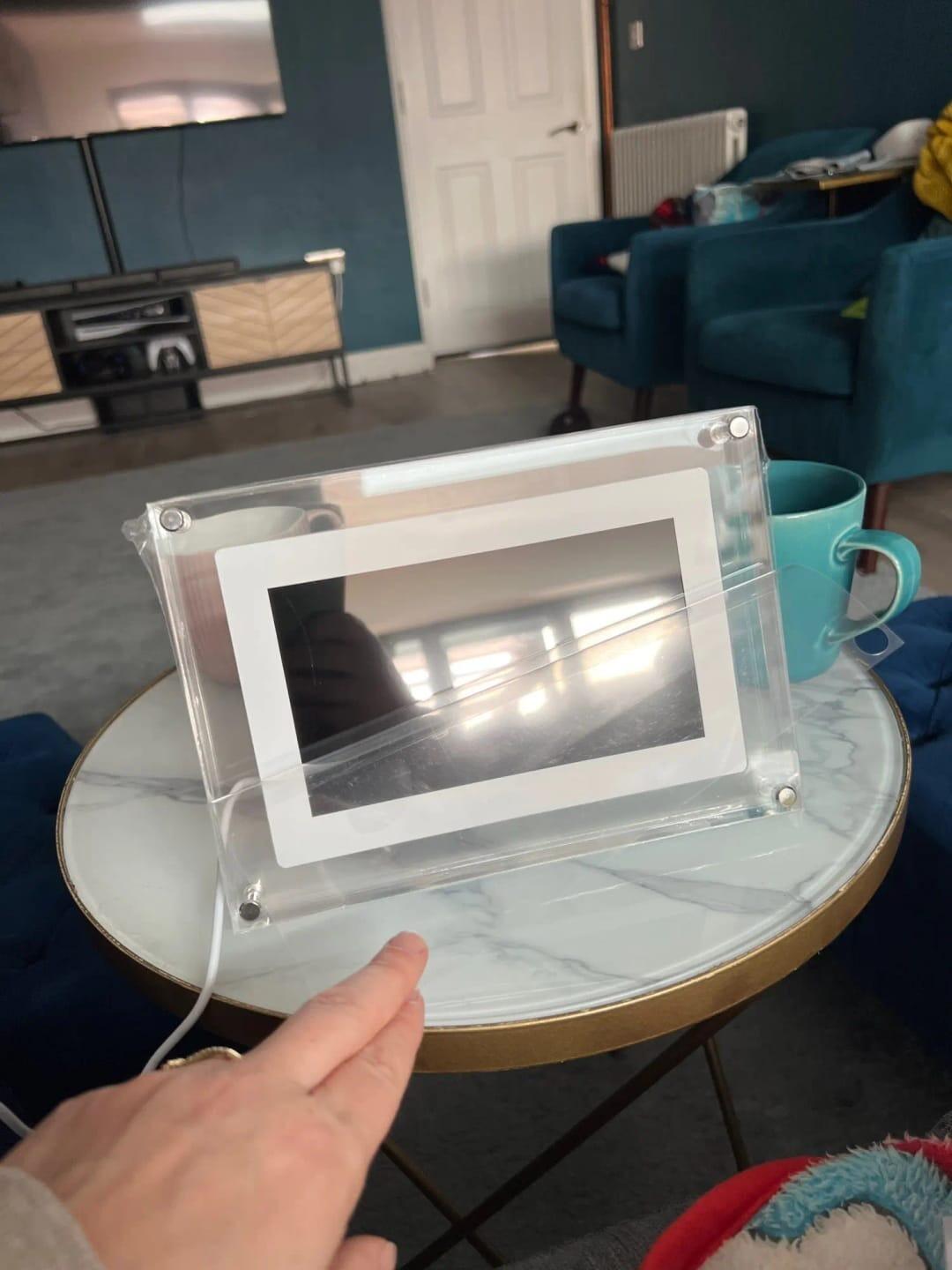
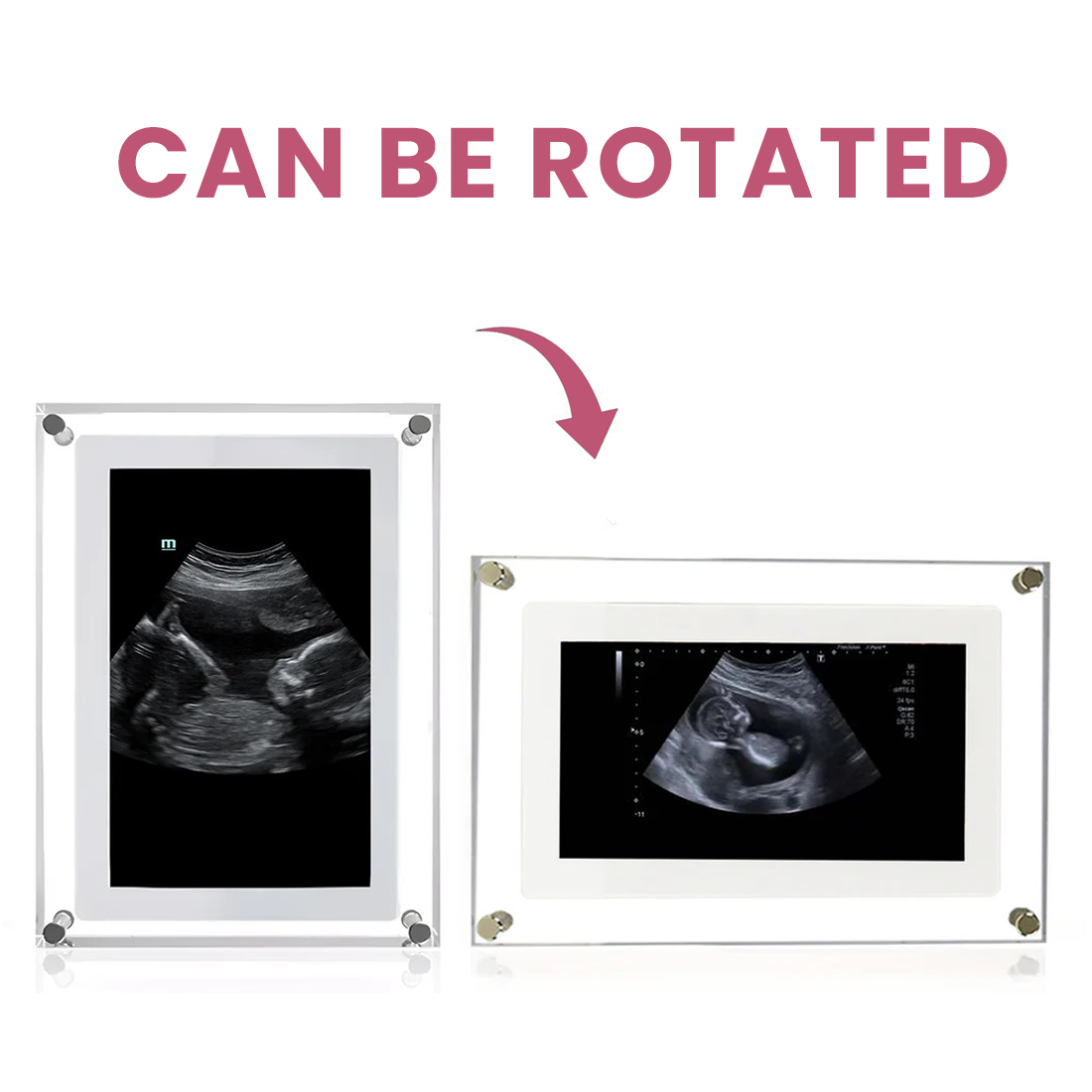
Vertical & Horizontal
-

1GB Sorage Capacity


Collapsible content
How do I update the media?
How do I update the media?
It's easy. Simply delete the old files and add the new ones whenever you want.
Does the frame have sound?
Does the frame have sound?
Absolutely! You can include sound in your videos, and there's a convenient mute/unmute button on the back of the frame for full control.
What comes in the box?
What comes in the box?
- The Product
- USB-C Cable
- Quick Start Guide
- Power Adapter
Can I use photos and videos?
Can I use photos and videos?
Yes. You can easily mix and match photos and videos for display.
Can I use it wirelessly?
Can I use it wirelessly?
Definitely! A full charge gives you an impressive 48 hours of use. For continuous power, simply connect the included USB cable to your computer or a wall adapter.
How to upload your media?
How to upload your media?
It's easy to get started in just three simple steps.
- Connect: Plug the frame into your computer using the included USB-C cable. It's compatible with both Mac and Windows.
- Upload: Drag and drop your favorite photos and videos directly onto the device.
- Enjoy: Your memories will play automatically. You can update your content anytime by simply deleting old files and adding new ones.
If you ever need help, our 24/7 customer service team is here for you. Just email us at support@bornframe.com.